What's new in STOREDO
New features explained briefly: three steps each, a picture from the product and a button to get started.
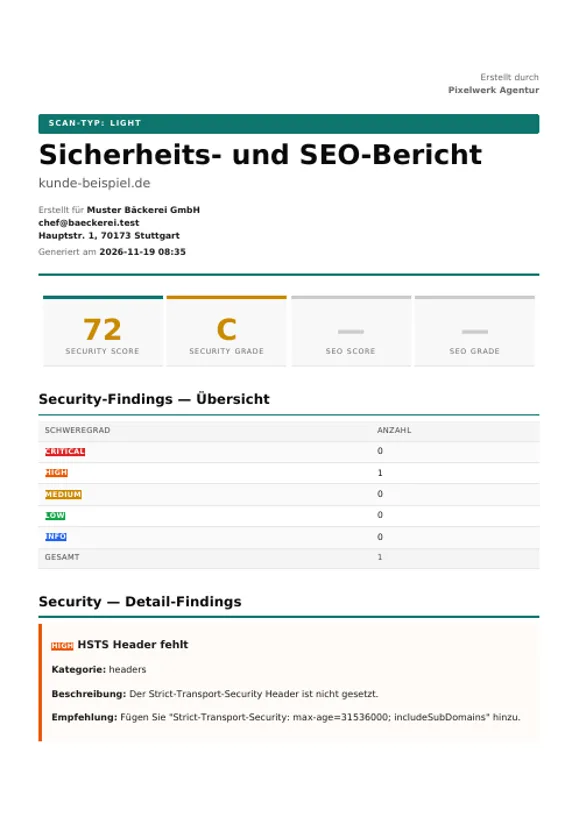
Reports without the STOREDO brand for agencies
November 19, 2026 / From Office
Your client receives the security and SEO report with your name and logo instead of the STOREDO brand.
Enter your company name and logo in the account settings.
In the project, enter the client's name, email and address, optionally with their own logo.
Open the scan and download the PDF: title, footer and file name carry your name, and the cover names your client.
See reports without branding
Italian and Dutch
November 19, 2026
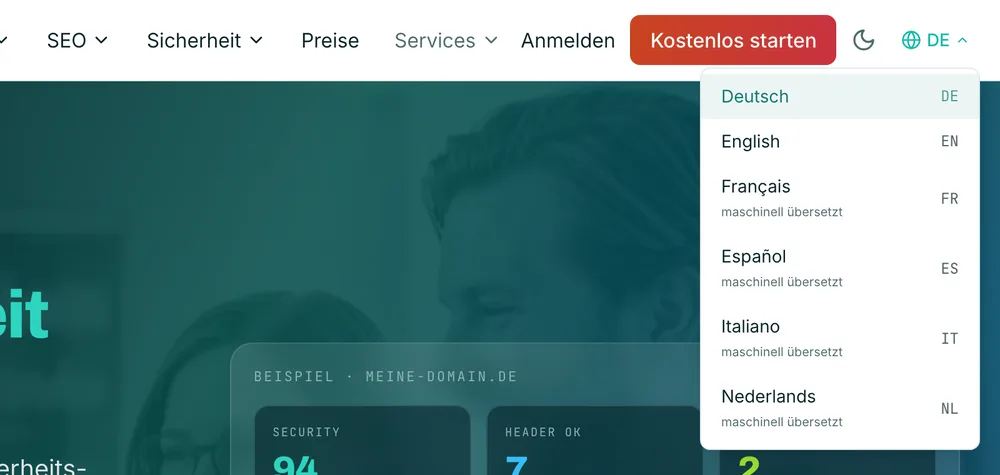
STOREDO can now also be used in Italian and Dutch, alongside German, English, French and Spanish.
On storedo.de, open the language icon at the top right.
Choose Italiano or Nederlands, and the interface switches immediately.
Your choice stays saved in your browser. Both languages are marked as machine translated.
Start the free check
Guide: security checks in the maintenance contract
November 18, 2026
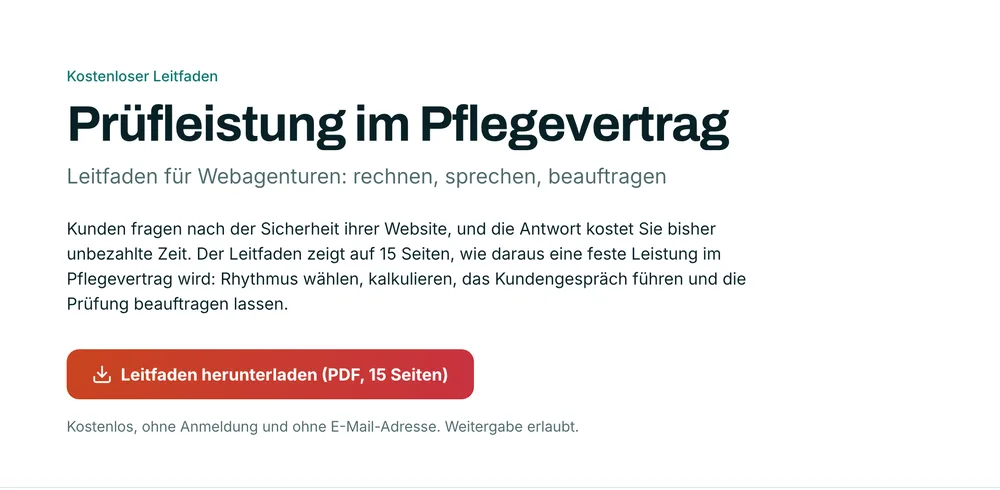
For web agencies: how client questions about website security become a fixed, priceable service in the maintenance contract.
Open the page and download the 15-page PDF, without sign-up and without an email address.
Choose a checking rhythm and calculate the service.
Hold the client conversation and have the check commissioned, the enclosures are attached.
Download the guide
Frequently asked questions
Which plans include reports without the STOREDO brand?
The capability is available from the Office plan. The current plan overview with all prices is on the pricing page.
Are Italian and Dutch fully translated?
The interface is available in both languages. The language switcher marks them as machine translated. Legal texts apply in their German version.
Do I need an account for the guide?
No. The guide is free, without sign-up and without an email address.